
How to Donate on Twitch: Subscriptions, Bits and Donations
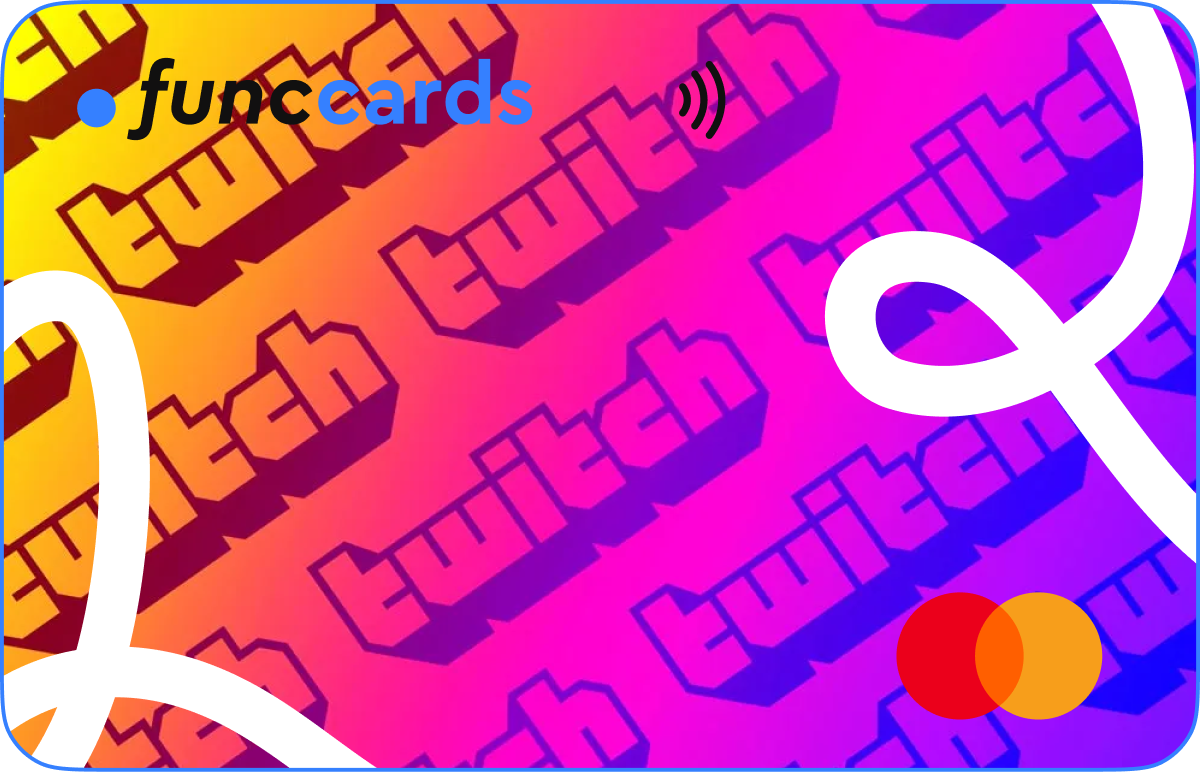
Watching a stream is free, but many viewers want to support the creators whose content they follow. Twitch offers several ways to do this, including channel subscriptions, gifted subscriptions and Bits. Some streamers also accept direct donations through external services.
Each option works differently. A subscription provides recurring channel support, Bits are used to Cheer during a stream, and a direct donation usually goes through a payment page selected by the creator.
This guide explains how to donate on Twitch, how the main support methods differ and how a virtual card can help separate entertainment spending from everyday payments.
Ways to Support a Twitch Streamer
Before making a payment, decide what type of support matches your goal. Some options provide channel benefits, while others are designed for a one time contribution.
| Support method | How it works | Payment type |
|---|---|---|
| Channel subscription | Supports the channel and may unlock subscriber benefits | Usually recurring |
| Gifted subscription | Provides a subscription to another viewer | One time purchase |
| Bits | Used to Cheer in the Twitch chat | Purchased in bundles |
| Direct donation | Sent through a payment page selected by the streamer | Usually one time |
How to Subscribe to a Twitch Channel
A Twitch subscription is one of the most common ways to support a creator. Subscribers may receive benefits such as custom emotes, badges or access to subscriber only features selected by the channel.
The exact options depend on the streamer, the viewer’s country and the Twitch interface available on the device.
Steps to Subscribe
- Open the Twitch channel you want to support.
- Select the Subscribe option.
- Review the available subscription tier and benefits.
- Confirm the billing period and final amount.
- Select an available payment method and complete the payment.
A subscription may renew automatically. Check the billing terms before confirming the payment and review active subscriptions regularly.
How Gifted Subscriptions Work
A gifted subscription allows one viewer to give channel access to another person. It can be sent to a specific user or distributed through the channel community, depending on the available Twitch options.
Gifted subscriptions are useful when you want to support both the streamer and another viewer without starting a recurring plan for yourself.
Before confirming the purchase, check the number of subscriptions, the selected tier and the total price.
How to Donate Bits on Twitch
Bits are Twitch virtual goods used to Cheer in chat. A viewer buys Bits and then sends a Cheer message during a live stream.
How to Buy and Use Bits
- Open Twitch and sign in to your account.
- Find the option to buy Bits.
- Select a bundle.
- Review the final amount and payment method.
- Complete the purchase.
- Open the chat of a live channel and use the available Cheer option.
The availability of Bits and the payment methods shown may depend on the country, account and device.
If you are searching for how to donate Bits on Twitch, remember that Bits are purchased first and then used inside Twitch chat. They are different from a direct payment sent through an external donation page.
How Direct Twitch Donations Work
Some streamers place a donation link in their channel description, profile panels or chat commands. The link usually opens an external payment service selected by the creator.
Because the payment takes place outside Twitch, the process and terms depend on the third party provider.
What to Check Before Paying
- Make sure the link is published on the official channel page.
- Check the name of the payment provider.
- Review the final amount and currency.
- Do not enter card details on a suspicious or copied page.
- Keep the payment confirmation.
A direct donation may not provide the same benefits as a Twitch subscription. It is usually a separate way to support the creator.
Subscriptions, Bits or Direct Donations: Which Option to Choose
Choose a Subscription for Regular Support
A subscription is suitable when you watch the channel regularly and want to support it on an ongoing basis. It may also include community benefits selected by the streamer.
Choose Bits for Live Interaction
Bits are designed for viewers who want to support a creator during a live stream and display a Cheer message in chat.
Choose a Gifted Subscription for Community Support
A gifted subscription supports the channel while giving another viewer temporary subscriber access.
Choose a Direct Donation for a One Time Contribution
A direct donation may be suitable when the streamer provides an official payment link and you prefer a one time payment.
Why a Separate Virtual Card Can Be Useful
Subscriptions, Bits and donations are optional entertainment expenses. Keeping them separate from the main card makes it easier to control how much you spend on creator support.
A Dedicated Entertainment Budget
A separate card creates a clear limit for Twitch, streaming services and other digital entertainment.
Clearer Payment History
When the card is used only for selected platforms, subscriptions and one time purchases are easier to identify.
More Control Over Recurring Payments
A channel subscription may renew automatically. A dedicated card helps keep recurring Twitch payments separate from essential expenses.
Less Exposure of the Main Card
Using a different card for digital platforms reduces the number of services connected to the main payment details.
How to Use a Virtual Card for Twitch Payments
- Issue a virtual card for entertainment or creator support.
- Set aside the amount you plan to spend.
- Add the card as a payment method where card payments are accepted.
- Check the final amount and currency before confirmation.
- Review recurring subscriptions after payment.
A prepaid virtual card can help keep the available balance for Twitch payments separate from other funds.
Card acceptance depends on the platform, payment provider, account details and transaction requirements.
Payment Safety Tips for Twitch Users
- Use only official Twitch pages and links published by the streamer.
- Check whether the payment is recurring or one time.
- Review the currency before confirming.
- Do not save card details on unfamiliar websites.
- Keep confirmation emails and receipts.
- Review active channel subscriptions regularly.
- Freeze the card if an unfamiliar payment appears.
Freezing a card does not automatically cancel a subscription. Recurring plans should be cancelled through the Twitch account or the relevant payment service.
Using FuncCards for Digital Entertainment
FuncCards allows users to issue virtual cards for different online payment categories. One card can be reserved for streaming services, subscriptions and creator support.
Separate cards make it easier to monitor entertainment spending without mixing it with travel, business or everyday payments.
Users who prefer mobile payments can also explore virtual cards for Apple Pay and Google Pay for supported payment scenarios.
FAQ
How Do I Donate on Twitch?
You can support a streamer through a channel subscription, gifted subscription, Bits or an official external donation link provided by the creator.
How Do I Donate Bits on Twitch?
Buy a Bits bundle through Twitch, open a live channel and use the Cheer option in chat.
Is a Twitch Subscription a Donation?
It is a paid channel support option that may include subscriber benefits. It is different from a direct donation.
Do Twitch Subscriptions Renew Automatically?
Some subscription payments may renew automatically. Check the billing terms shown before confirming the purchase.
Can I Donate Directly to a Twitch Streamer?
Some creators provide external donation links. Use only the link published on the official channel page and review the payment provider before entering card details.
Can I Use a Virtual Card on Twitch?
A virtual card can be used where card payments are supported and the transaction meets the platform’s requirements.
Can I Use One Card Only for Twitch?
Yes. A dedicated card can help separate subscriptions, Bits and donations from other expenses.
Conclusion
Twitch viewers can support creators through subscriptions, gifted subs, Bits and direct donations. The right option depends on whether you want recurring support, live interaction or a one time contribution.
Before paying, check the final amount, currency, billing type and payment page. A separate virtual card can make Twitch spending easier to monitor and keep entertainment payments away from the main card.
Register with FuncCards and issue a virtual card for subscriptions, streaming platforms and digital entertainment.